


0018. 3ts
1. 📝 概述
- 这是用 gpt 撸的一个 chrome 插件,已瘫痪不可用。
- 文档计划先留着,后续可能还有点儿用。
2. 📺 TNotes.yuque
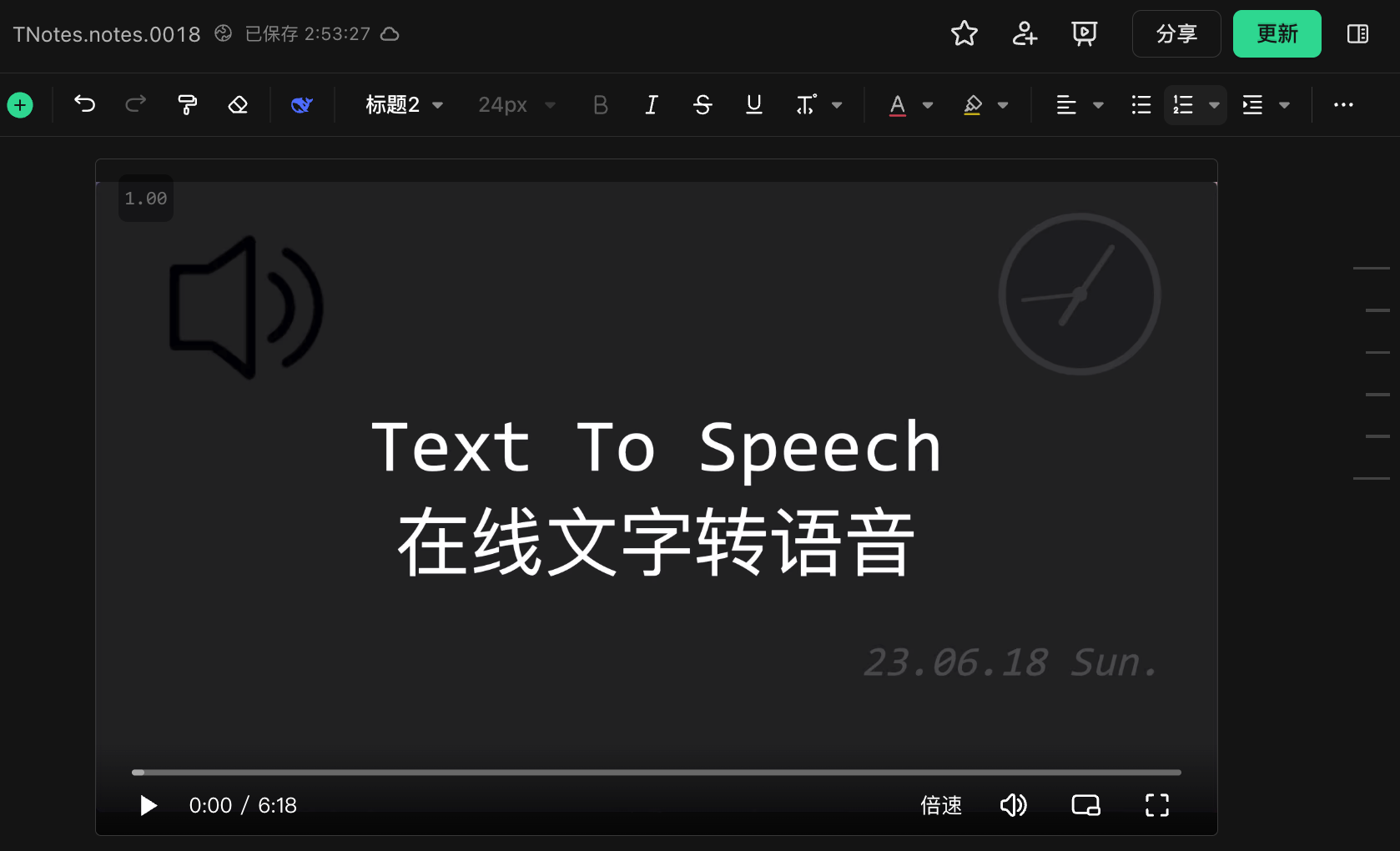
- 在 TNotes.yuque 上记录了介绍 3ts 的视频。
3. 📒 3ts 简介
- TTS:
- Text To Speech
- 功能介绍
- 使用的音频是系统、浏览器自带的音频,因此无需付费(音频质量堪忧),但不同的操作系统和浏览器,音频可能会有所不同。
- 安装方式
- 使用 chrome 浏览器打开 👉🏻
chrome://extensions/ - 下载插件安装包并引入
- 插件的安装包记录在 TNotes.yuque 上。
- 使用 chrome 浏览器打开 👉🏻
- 使用场景
- 因系统自带的音频质量不太行,想要体验还过得去,能用的场景比较有限。
- 适合短内容,比如:读网页上的单词 or 词组
- 不适合长内容,比如:读完整的句子(听起来会有些奇怪)
- 实测了一下,其实蛮多翻译工具,它们用的也是咋们系统自带的音频,比如 fanyi.baidu
4. 📝 日志 - chrome 应用商店注册成为开发者需要付费 5 美元
- 自己写的工具 3ts,尚未上传至 chrome 应用商店中
- 本想上传,但是尝试了一下,发现需要 5 美元注册费,于是……
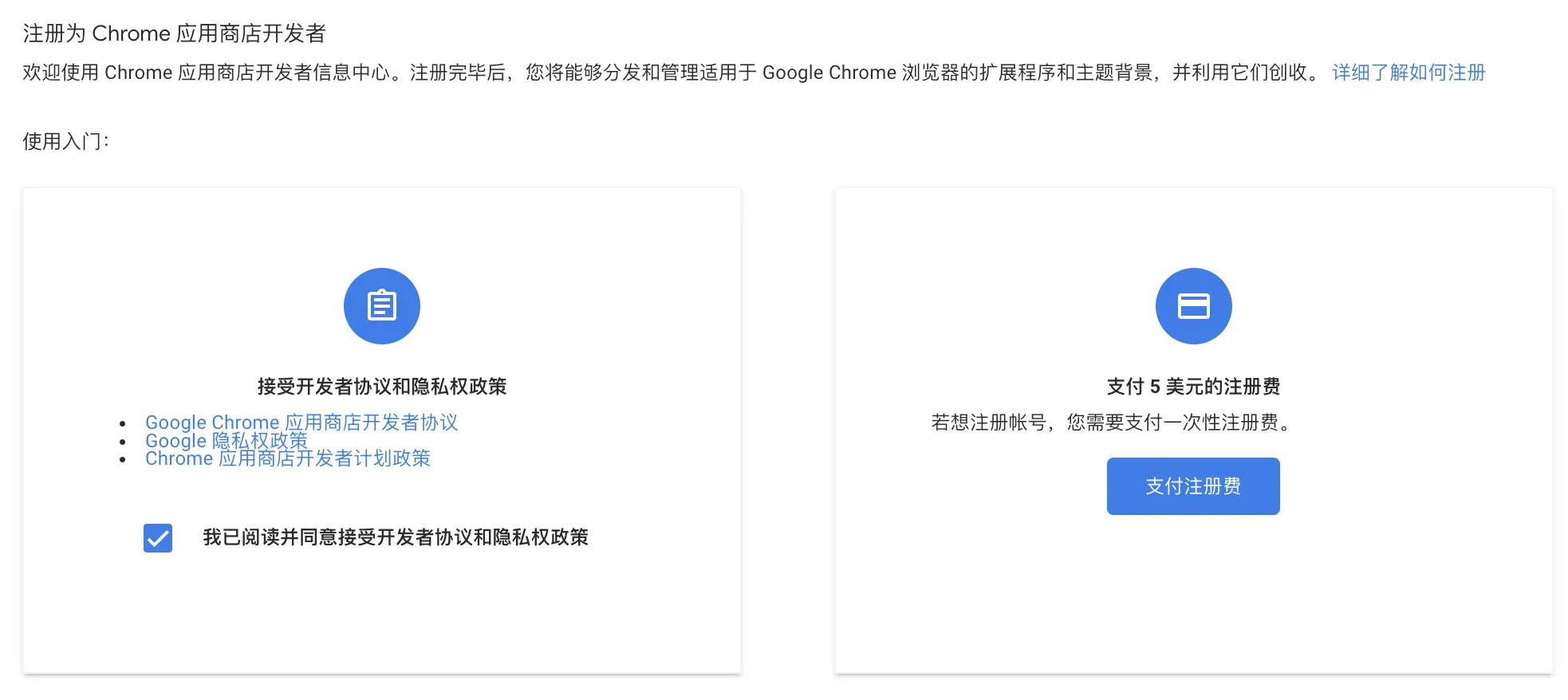
当时写这个插件的时候没付钱注册,后来注册了一个账号,基本的注册流程以及发布插件的一些注意事项啥的,好像是有写过一些笔记来记录的。
5. 💻 3ts 实现源码
json
{
  "manifest_version": 3,
  "name": "3ts",
  "version": "1.0",
  "description": "Speak selected text",
  "permissions": ["contextMenus", "activeTab", "scripting", "storage"],
  "background": {
    "service_worker": "background.js"
  },
  "action": {
    "default_popup": "popup.html",
    "default_icon": {
      "16": "imgs/icon_3ts_16.png",
      "48": "imgs/icon_3ts_48.png",
      "128": "imgs/icon_3ts_128.png"
    }
  },
  "icons": {
    "16": "imgs/icon_3ts_16.png",
    "48": "imgs/icon_3ts_48.png",
    "128": "imgs/icon_3ts_128.png"
  }
}
// 图标文件就是一个喇叭,可以到一些免费的图标站点中随便拉一个下来。js
const selectVoice = document.getElementById('selectVoice')

window.speechSynthesis.onvoiceschanged = () => {
  const voices = window.speechSynthesis.getVoices()
  for (let i = 0; i < voices.length; i++) {
    const option = document.createElement('option')
    option.textContent = voices[i].name
    selectVoice.appendChild(option)
  }

  selectVoice.value = voices[0].name

  chrome.storage.sync.get(['voice'], (result) => {
    const v = result.voice
    if (v) selectVoice.value = v
  })
}

selectVoice.addEventListener('change', () => {
  chrome.storage.sync.set({
    voice: selectVoice.value,
  })
})html
<head>
  <style>
    .label {
      font-weight: bold;
      padding-bottom: 1rem;
    }
  </style>
</head>

<body>
  <h1 style="text-align: center;">3ts</h1>
  <div class="label">Voice</div>
  <select id="selectVoice"></select>
</body>

<script src="./popup.js"></script>js
function speakText(text) {
  console.log('call speakText', text)
  chrome.storage.sync.get(['voice'], ({ voice: v }) => {
    console.log('voice:', v)
    var utterance = new SpeechSynthesisUtterance(text)
    if (v) {
      utterance.voice = window.speechSynthesis
        .getVoices()
        .find((voice) => voice.name === v)
    }
    window.speechSynthesis.speak(utterance)
  })
}

chrome.runtime.onInstalled.addListener(() => {
  chrome.contextMenus.create({
    id: 'speak',
    title: 'Speak',
    contexts: ['selection'],
  })
})

chrome.contextMenus.onClicked.addListener(function (info, tab) {
  if (info.menuItemId === 'speak') {
    chrome.scripting.executeScript({
      target: {
        tabId: tab.id,
      },
      function: speakText,
      args: [info.selectionText],
    })
  }
})